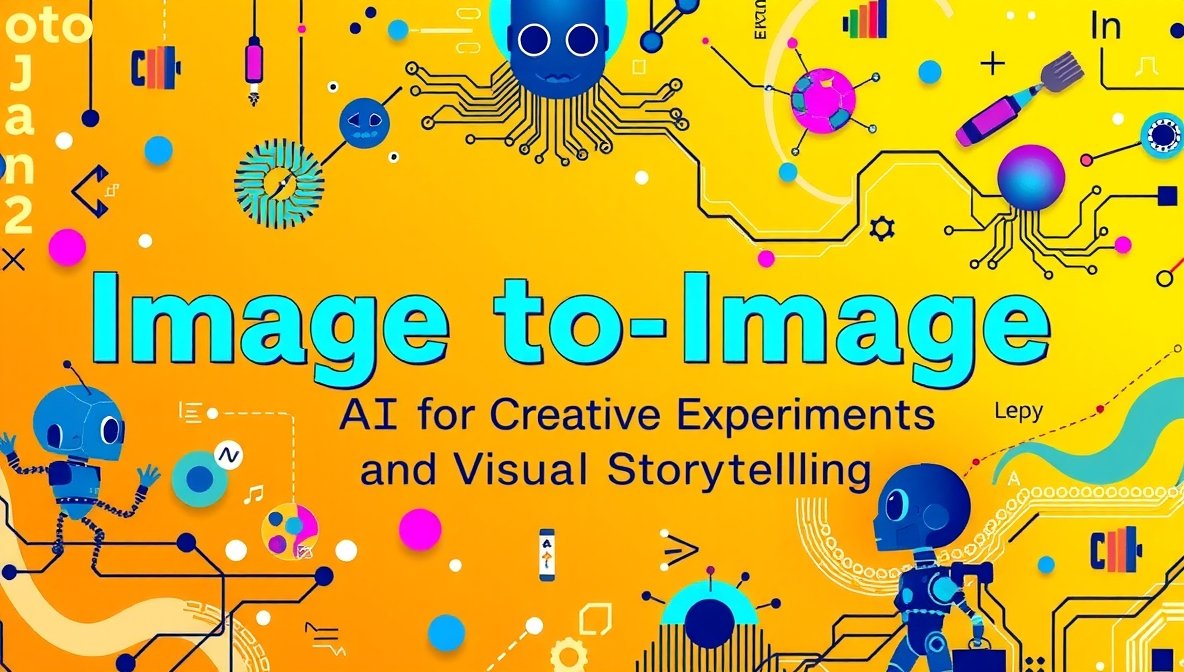
Artificial intelligence has transformed how we create and reshape visuals. One of the most exciting developments in this field is image to image AI, a technique that uses existing images as input and generates entirely new visuals based on that source. Instead of starting from scratch with text prompts, image-based AI models interpret and build on an uploaded image to produce fresh visuals that retain the original’s essence while exploring new styles, scenes, or ideas. This makes them perfect tools for creative experiments and visual storytelling.
What Is Image to Image AI and Why It Matters
Image to image AI refers to tools that take an existing photo, artwork, or graphic and generate a new image based on it. You might upload a photo and ask the AI to:
- Change the mood or lighting
- Transform the style (e.g., from daytime to night, or realistic to watercolor)
- Add or remove elements
- Reimagine the scene from a different angle
This is different from traditional text-to-image generation because the original image provides a foundation — the AI transforms it rather than inventing something entirely new. A good image to image tool allows creators to preserve visual context while experimenting with creative ideas, expanding the original image’s potential into narrative, artistic, or stylistic variations.
These tools are powerful for storytellers, designers, artists, and social media creators who want to explore visual concepts quickly, without starting from scratch or relying on manual editing.
Creative Ways to Use Image to Image AI
Let’s look at some imaginative ways you can apply image to image AI in your creative workflow:
1. Transform Real Photos Into Narrative Art
Suppose you have a photograph from a festival. With image to image AI, you can transform it into a dreamy fantasy scene, a comic-book style interpretation, or a surreal landscape, giving your story a visual arc before and after the event.
2. Visual Storyboards for Content Planning
Writers and filmmakers often create storyboards to plot scenes. Instead of manual sketches, upload rough photo references and let the AI generate alternate frames. This can fast-track your visual planning and give you more storytelling freedom.
3. Style Refashioning of Brand Imagery
If you’re building a brand, image to image AI can help unify imagery by experimenting with a consistent aesthetic — from retro palettes to futuristic neon glows — without needing detailed manual edits.
4. Iterative Character Design
Artists can upload character sketches and use AI to produce variations — different poses, costumes, or settings — helping refine a visual identity or narrative arc for characters.
5. Narrative Series Through Transformation
Create a series of posts that show evolution: a flower blooming, a city at dawn turning to night, or a character aging through time. Each step uses the previous image as input, creating a cohesive visual story.
Top 5 AI Image Generators from Image Tools
Here are five excellent tools you can use to generate images from existing visuals. Each supports creative exploration and offers unique features.
1. Invideo – Image to Image AI-Powered Tool
Invideo’s image to image ai tool lets creators upload an image and generate new visuals based on it. This approach gives you the flexibility to expand on existing photos, artwork, or illustrations by telling the AI what to change or enhance. The AI analyzes the uploaded image and produces a new version that reflects your prompt — whether it’s a change in style, mood, or narrative direction.
Why It’s Useful
- Enhances existing visuals by altering styles and elements.
- Works well for storytelling visuals and artistic experiments.
- Supports diverse creative concepts — from professional projects to personal art.
Invideo provides a smooth workflow for creators looking to explore image-based variation without heavy design skills.
2. imgtoimg.ai – Simple Image Transformation Tool
imgtoimg.ai focuses on transforming photos using advanced AI. Upload an existing image, enter a description of how you want it changed, and the tool generates new visuals that reflect that transformation.
What It Offers
- Easy upload and prompt process.
- Retains the original image’s structure while applying creative adjustments.
- Great for quick experimentation and visual variations.
This tool suits creatives who want a straightforward way to reimagine existing photos.
3. Artlist’s Image to Image AI
The Artlist image to image generator lets users upload a photo and guide the AI to produce a new visual based on a prompt. The tool preserves the fundamental elements of the original image while transforming it into something fresh — whether through style shifts, composition changes, or added content.
Tool Strengths
- Intuitive upload and style controls.
- Can blend multiple images for complex results.
- Commercial usage is included in plans.
This option works well for designers and storytellers who want detailed, specific control over visual changes.
4. AI Canvas Platforms With Image-Based Generation
Some creative suites include image to image tools that preserve your photo’s main composition and let you expand or enhance it. These platforms allow you to upload images and guide transformations with descriptive prompts.
What You Can Do
- Change artistic style (e.g., watercolor, illustration).
- Keep core image elements while altering atmospheres.
- Use it for storytelling sequences or content design.
These tools are ideal for creators seeking flexible control over their image transformations.
5. AI Creative Suites With Image Inputs
Full creative AI suites also include image to image AI generators, where you start with an image and prompt the system to produce variations. These platforms often provide multiple models — some oriented toward realism, others toward stylization.
Key Features
- Upload images for transformation.
- Produce variations with different artistic feels.
- Useful for designers, marketers, and storytellers.
Such tools fit professionals who want an all-in-one visual creation experience.
AI Image Generation in Motion: Video from Images
Alongside image to image AI tools for still visuals, creators are now using image-to-video AI to animate static photos and turn them into moving scenes. These workflows allow you to transform an image into a short video — adding motion, depth, or narrative action — making visuals even more dynamic in storytelling contexts.
Moreover, some platforms integrate with broader ai generated video app features, enabling seamless creation of motion visuals from static sources. This means you can take an image you transformed using image to image AI and bring it to life with animation, sound, and narrative flow — expanding your creative output.
Conclusion
Image to image AI has opened up incredible possibilities for creators, storytellers, and designers. By building on existing visuals, these tools remove much of the technical block that once held back experimentation, letting you focus on ideas and narrative expression. Whether you’re refining the aesthetics of a photo, transforming a scene into an alternate universe, or building a visual story from evolving images, image to image AI offers a fast, expressive way to explore and tell stories.
The tools listed above — from Invideo to flexible AI image transformation platforms — provide different strengths and workflows, so you can choose the one that fits your vision and creative process.
If you’d like specific prompt strategies, workflow examples, or case studies using these tools, feel free to ask!